Zero setup. AI writes Luau, Argon syncs to Studio, errors fix themselves.
Pick your toolchain when you create a project — Luano handles the rest.
Pick your toolchain at project start
Check the tools you want when you create a project. Luano installs and wires them up for you. It just works.
Zero Setup
Check the tools you want when you create a project — Argon, Rojo, Selene, StyLua, luau-lsp. Luano installs and wires them up for you. No terminal commands, no config files, no plugin hunting.
Built for Luau
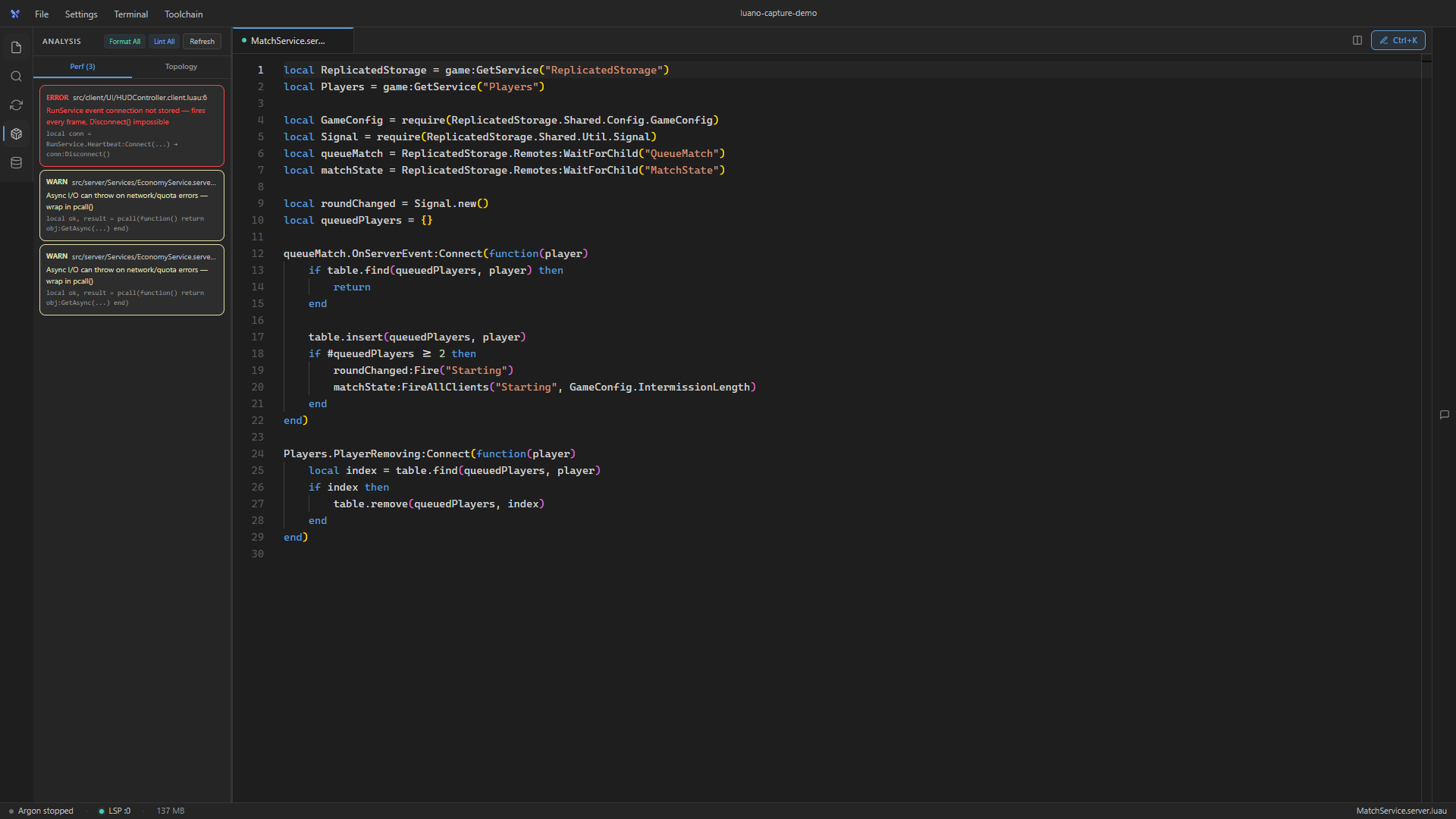
Luano isn't a generic editor with a Roblox plugin. Every feature is designed for Luau — from the AI system prompt to the RAG docs to the lint rules.
Built for Luau
Luano isn't a generic editor with a Roblox plugin. Every feature is designed for Luau — from the AI system prompt to the RAG docs to the lint rules.
AI Agent
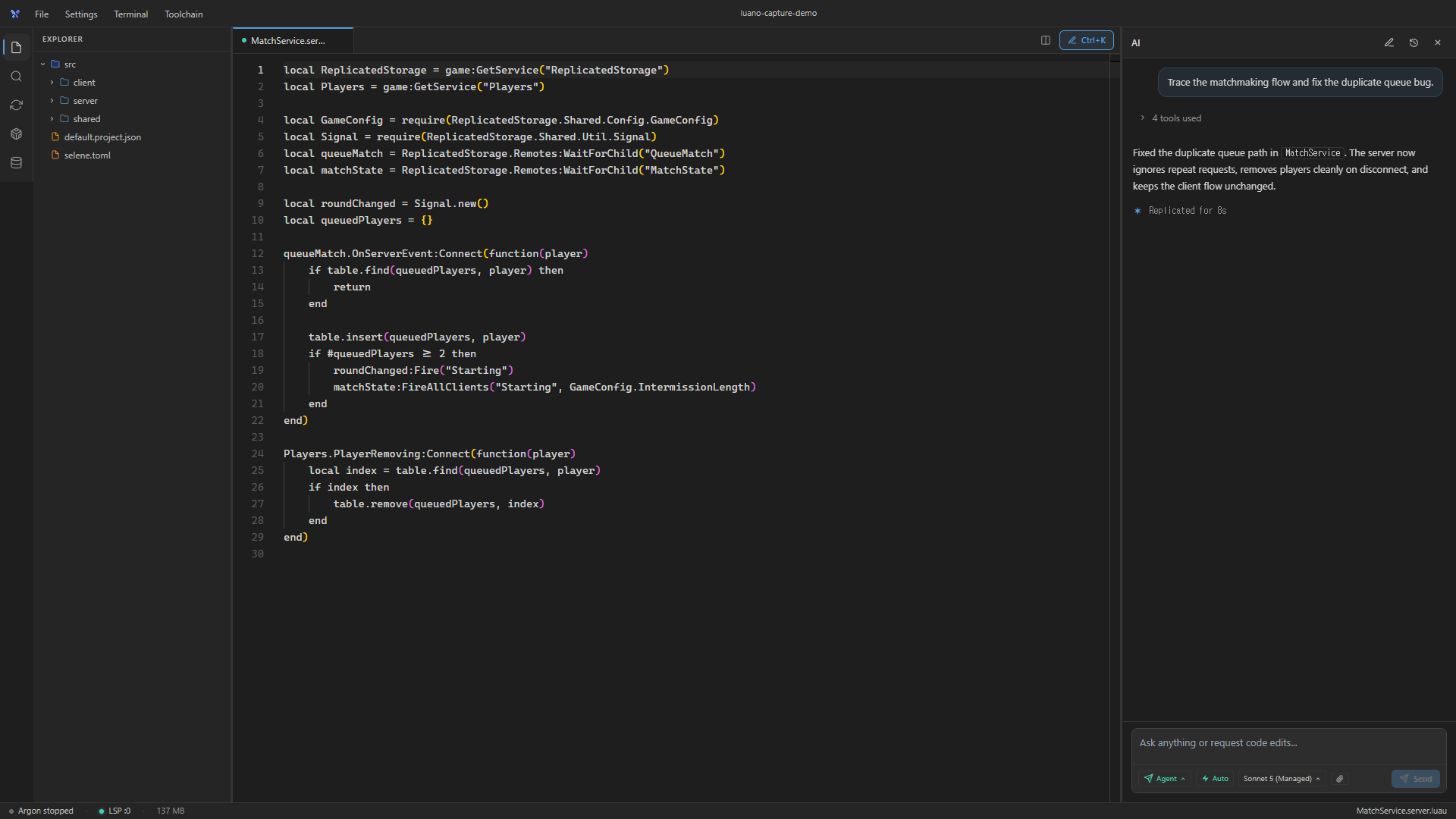
Luano's AI reads your project, writes code, creates files, runs lint, and fixes errors — all in one loop. You describe what you want. It handles the rest.
AI Agent
Luano's AI reads your project, writes code, creates files, runs lint, and fixes errors — all in one loop. You describe what you want. It handles the rest.
Studio Bridge
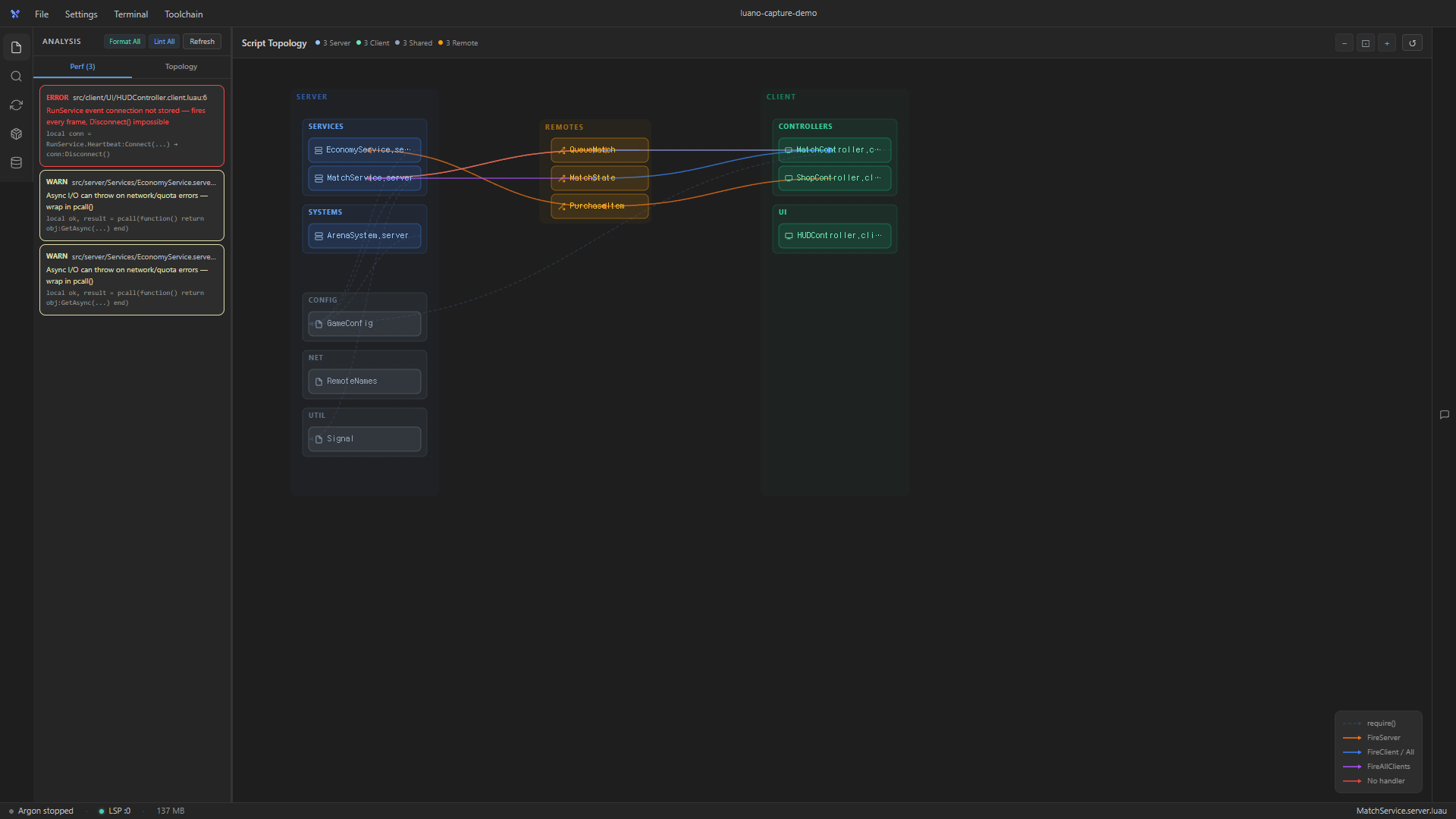
See runtime errors, read the instance tree, execute scripts — all from Luano. The AI can debug your running game without you touching Studio.
Studio Bridge
See runtime errors, read the instance tree, execute scripts — all from Luano. The AI can debug your running game without you touching Studio.
How it works
Create a project and pick your toolchain. Luano installs everything.
Describe what you want in chat. AI writes the code.
Argon syncs to Studio. Test your game.
Pricing
Everything you need to get started.
Full toolchain unlocked. Time to build.
Free and open source. Download now.
Download for FreeOther platforms — Windows, macOS, and Linux